 Pocksy
Every UPI spend, logged for you.
Pocksy reads your bank and UPI SMS alerts and logs each spend automatically. No typing. No bank login.
Get it on Google Play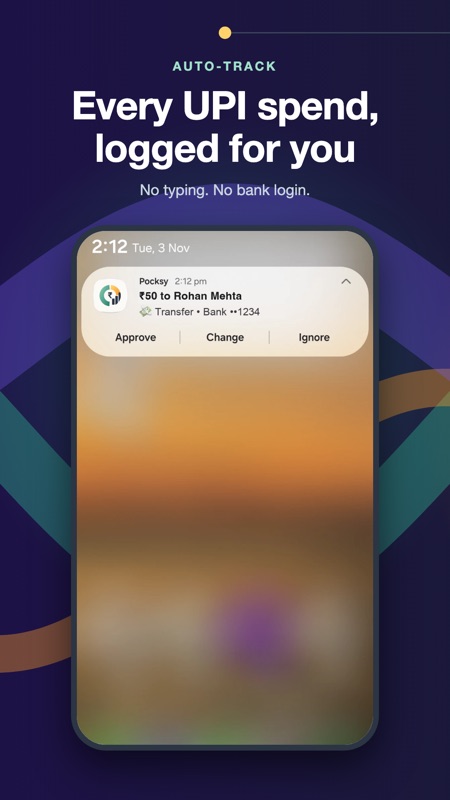
What you get
Automatic expense tracking
Reads bank and UPI SMS alerts and logs each spend for you.
Smart categories
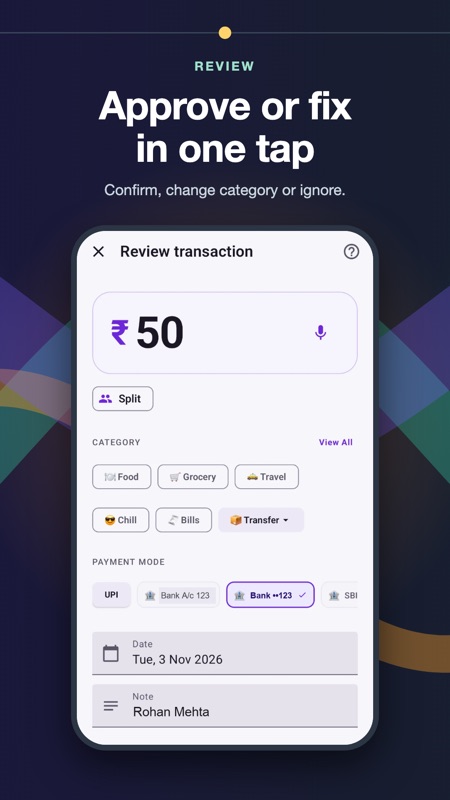
Each spend is sorted into a category you can correct in one tap.
Budgets and reports
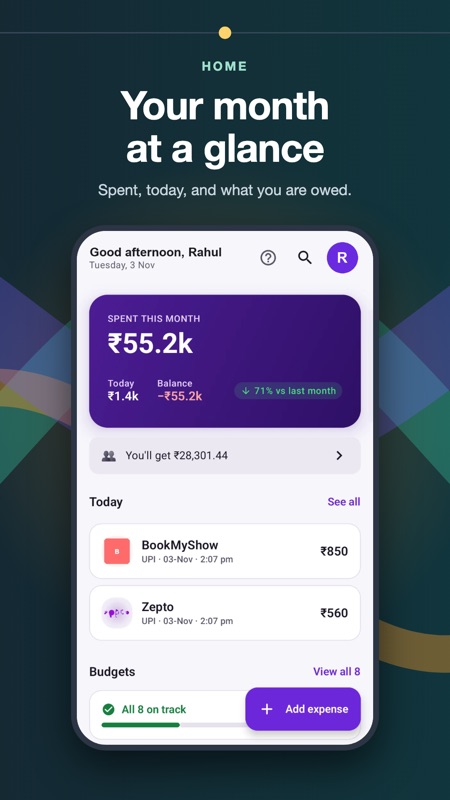
See where your money goes by category, month and merchant.
Trip expenses and splits
Keep group spends and who owes whom in one place.
Khata
Track money you lend and borrow.
Made for India
Works with UPI apps and major Indian banks.
How it works
- Install Pocksy and allow SMS access so it can read transaction messages from your bank.
- Pocksy logs each UPI, card and bank spend and suggests a category.
- Check your reports, set budgets, or split a trip.
Private by design
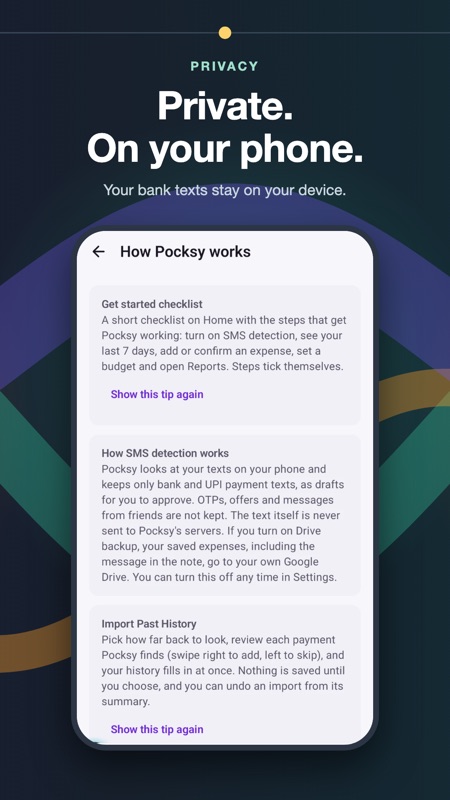
Your expenses are saved in an encrypted database on your phone. Pocksy never asks for your bank login or card details. SMS access is used only to detect transaction messages on your device, and the message text is never sent to our servers.
Questions
Does Pocksy need my bank login?
No. It works from the SMS alerts your bank already sends you.
Why does Pocksy ask for SMS permission?
To detect transaction messages and log them as expenses. This happens on your phone.
Is Pocksy free?
Yes, Pocksy is free to use.
Which phones does it work on?
Android phones. It is not on iPhone yet.
Does it work with my bank?
It works with UPI apps and major Indian banks that send transaction SMS alerts.